
Choose the work
Set your service area, availability, and trades. Review relevant requests before deciding whether to quote.
Work Mode For Professionals
Sagur brings home jobs to your phone with the price, the written scope, and the payment record in one place. Customers pay Sagur in the app when they book, so you work from a payment record instead of collection chasing.

For professionals
Free, and it takes 20 seconds. We contact you as onboarding opens for your trade and city.
One Professional Record
Work Mode carries the same written job forward, so you do not keep separate notes for the quote, the customer conversation, the schedule, the approval, and the payment status. Everything stays on one record.
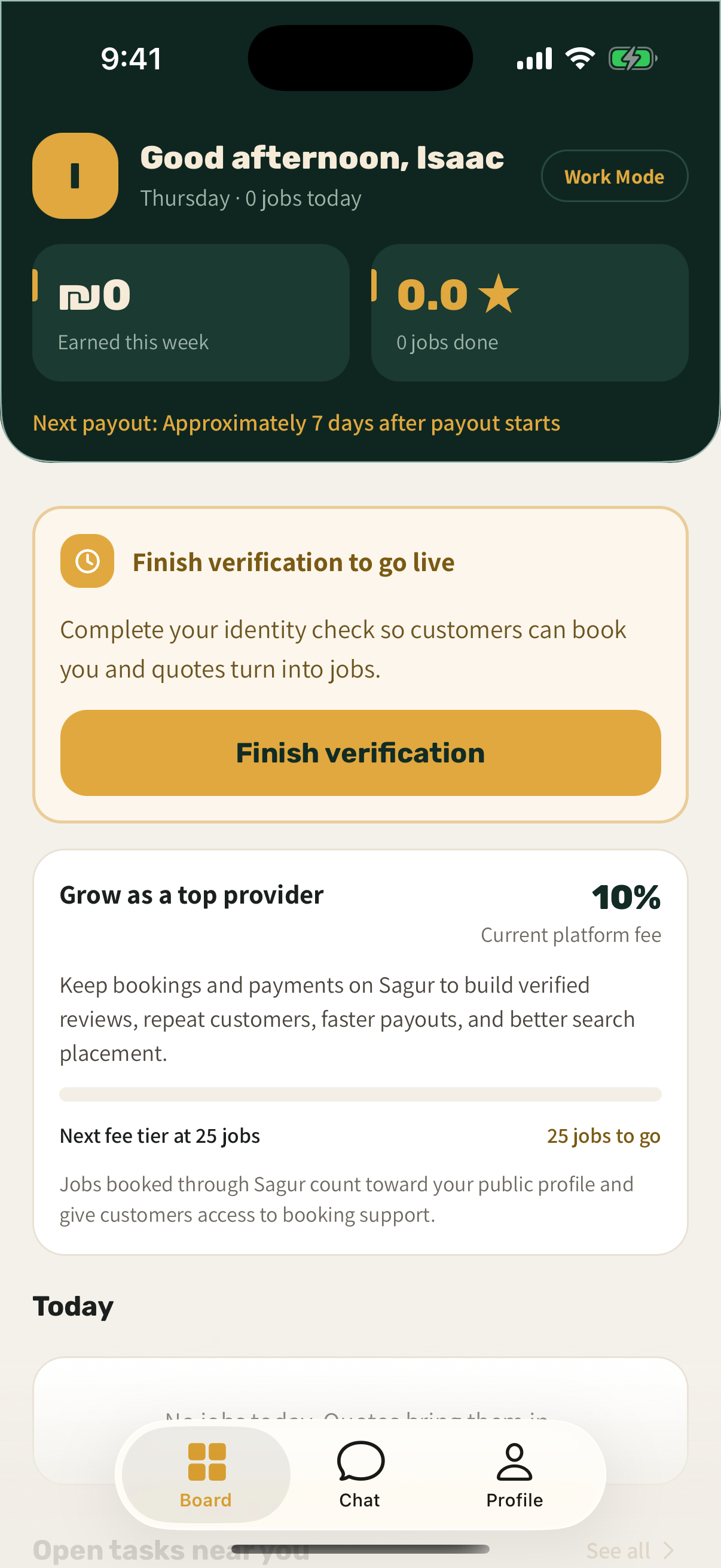
Review relevant requests, then send a price, timing, and written scope on the same request the customer posted.
Keep booking details, translated chat, approval, and support connected while the work happens.
Customers pay Sagur when they book. Follow payment status before the work and the payout process after approval.
Choose Your Work
You decide what you take on. Sagur keeps the request, the conversation, and the money record connected so you can focus on the work.
Set your service area, availability, and trades. Review relevant requests before deciding whether to quote.
Send a price, timing, and written scope on the same request the customer posted.
Chat can translate automatically for each reader. The original message and full job context stay available.
Keep booking details, customer chat, approval, support, earnings, and payout status together.
Reviews stay tied to completed Sagur bookings, so strong work builds a useful track record.
Customers pay Sagur when they book. See status before work begins and follow the payout process after approval.
Trades
These are the trades onboarding first. If yours is not listed, choose Other on the form and tell us what you do.
 Plumbing
 Electrical
 Air conditioning
 Appliance repair
 Locksmith
 Cleaning
 Handyman
 Moving
 Painting
 Carpentry
 Gas technician
 Pest control
Customers describe the job once, add photos, and ask for quotes. You see the request before you decide to answer it.
Trust Built Into The Work
Your track record comes from completed Sagur work, not self reported claims. The product rules protect both sides before, during, and after a job.
Completed Sagur bookings can build a verified review history, so consistent work becomes a useful track record.
Professionals complete identity verification before becoming available for work.
Professionals see an approximate area before booking. The exact address is shared only after a confirmed booking, and only with the assigned professional.
Quotes, messages, approval, and support history stay connected to the job, which helps if anything is questioned.
Launching in Tel Aviv, Jerusalem, and Haifa. Availability depends on professional coverage for the task.
Clear Provider Economics
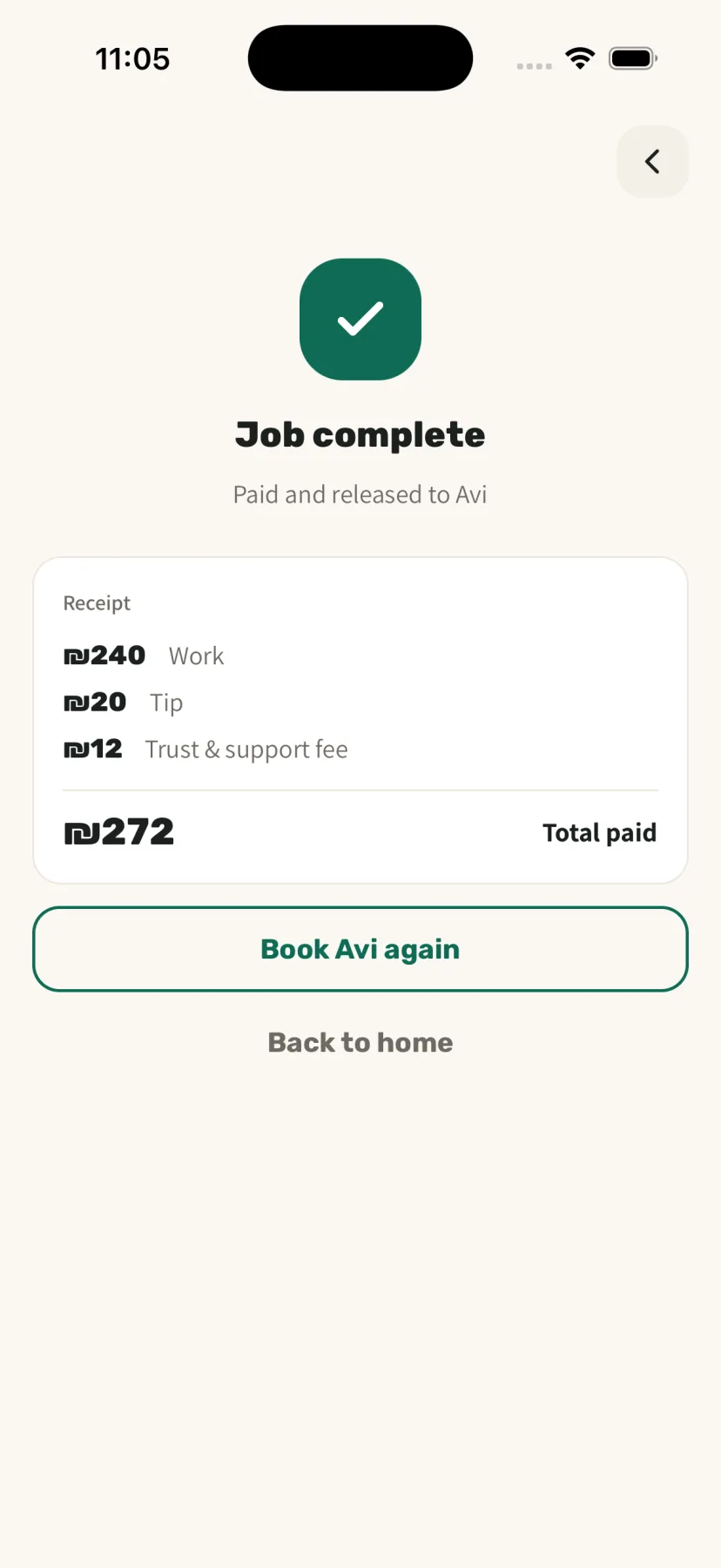
Customers pay Sagur in the app when they book. Customer approval, or the end of the approval window when no dispute is open, starts the professional payout process.
If a dispute is opened in time, Sagur pauses the provider payout, reviews evidence from both parties, and may issue an eligible full or partial refund.
10% initially
18% of the commission
Applies when required by the provider certificate and tax status
3%, capped at ₪20
Approximately 7 days
10% after 0 completed Sagur jobs; 8% after 25 completed Sagur jobs; 7% after 100 completed Sagur jobs
Shown before each job is accepted, after applicable fees and withholding
An approximate payout, after applicable fees and withholding, is shown before you accept each job.
Questions
Joining the list is free and there is no monthly fee. Sagur charges a commission on completed jobs, listed in full in the fees section above, and an approximate payout is shown before you accept each job.
We contact you as onboarding opens for your trade and city. You then set up Work Mode in the app, complete identity verification, and choose your service area, trades, and availability.
Customers pay Sagur in the app when they book. Customer approval, or the end of the approval window when no dispute is open, starts the professional payout process. Expected payout timing and every fee that applies are listed in the fees section above.
Yes. You invoice and handle tax as you do today. Tax withholding applies when required by your provider certificate and tax status, and it is shown in the approximate payout before you accept a job.
No. Chat can translate automatically for each reader, so an English speaking customer and a Hebrew speaking professional can work through the same job. The original message stays available to both.
Launching in Tel Aviv, Jerusalem, and Haifa. Availability depends on professional coverage for the task.
Get Started
Set up your professional account, choose the work you want, and keep every job on one clear record.